以豆瓣为例,代码如下
1
2
3
4
5
6
7
8
| import urllib.request
import urllib.parse
url = 'https://www.douban.com'
response = urllib.request.urlopen(url)
print(response.read().decode('utf-8'))
|
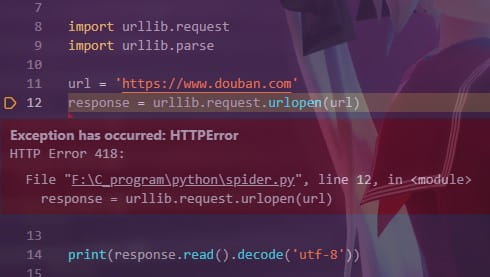
会返回418错误
封装一个请求头,设置user-agent字段就可以模拟成浏览器
1
2
3
4
5
6
7
8
9
10
11
12
13
14
15
16
17
18
19
20
21
22
23
24
25
26
27
28
29
30
| import urllib.request
import urllib.parse
import urllib.error
def main():
url = 'https://movie.douban.com/top250?start='
askURL(url)
def askURL(url):
head = {
"User-Agent": "Mozilla/5.0 (Linux; Android 6.0; Nexus 5 Build/MRA58N) AppleWebKit/537.36 (KHTML, like Gecko) Chrome/70.0.3538.25 Mobile Safari/537.36"}
res = urllib.request.Request(url=url, headers=head)
html = ""
try:
response = urllib.request.urlopen(res)
html = response.read().decode('utf-8')
print(html)
except urllib.error.URLError as e:
if hasattr(e, "code"):
print(e.code)
if hasattr(e, 'reason'):
print(e.reason)
if __name__ == "__main__":
main()
|
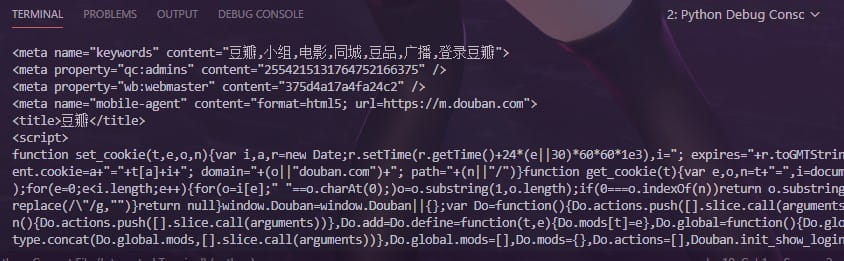
结果如下:

 微信